Screenshots
Real UI, built for clarity
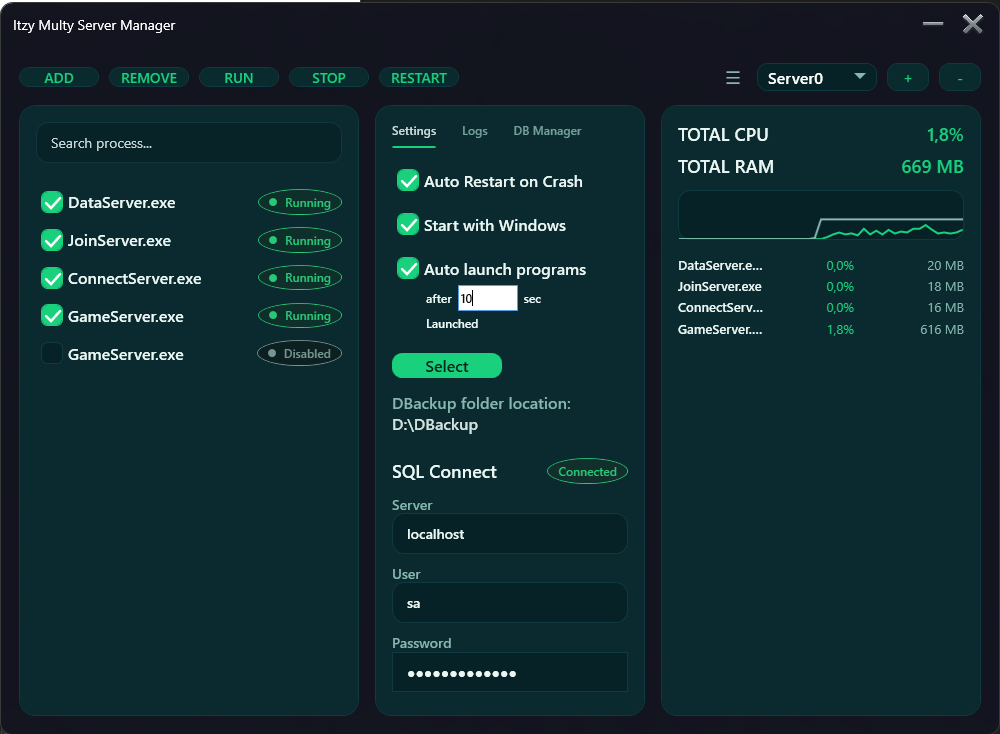
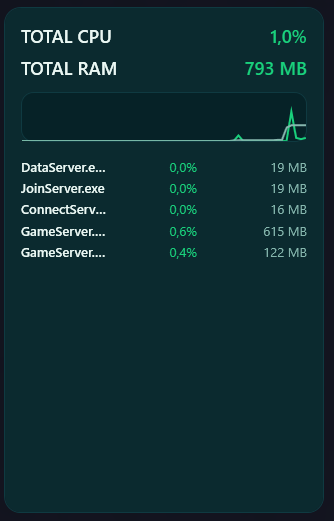
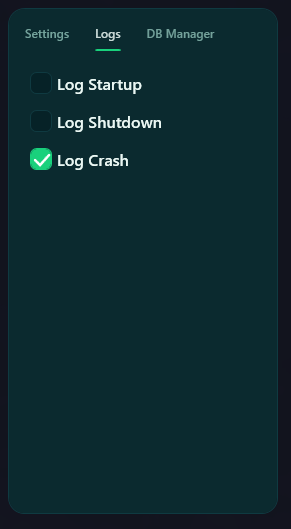
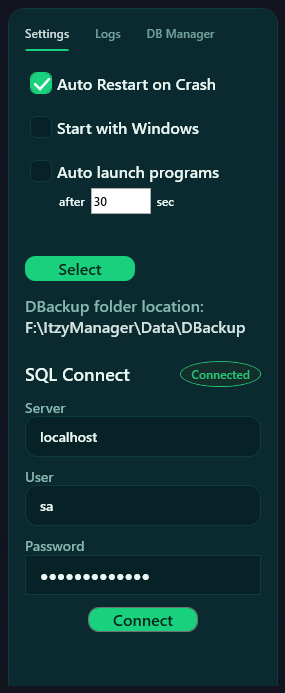
Itzy Supervisor monitors your key applications and helps reduce downtime by detecting crashes (and common failure states) and restarting processes based on safe rules. Designed for small & mid-size businesses that don’t want to maintain complex scripting or DevOps tooling.
Typical use cases: legacy ERP tools, manufacturing/CNC helpers, back-office services, call-center apps, ETL jobs, render tools, and other always-on software.
What it does (and what it doesn’t)
Control multiple critical apps from one place — including per-instance start/stop/restart, orderly startup sequences, and optional tray operation for “always running” environments.
Monitor running processes and trigger recovery rules when a process exits unexpectedly. Keep operations stable overnight and reduce the need for manual intervention.
Designed for production-like environments
Detect when a monitored application closes unexpectedly and react with safe restart logic.
Configure restart behavior per application/instance with delays and safeguards.
Run and supervise multiple workloads, each with its own configuration and logs.
Organized logs for startup/shutdown and crash events to support fast troubleshooting.
Lightweight monitoring signals to quickly identify runaway processes and load.
Keep the supervisor running in the background and reduce accidental shutdowns.
Real UI, built for clarity
Simple, transparent licensing
Early access price for this release line. Includes updates & support for 12 months.
Monthly plan for teams who prefer ongoing support without a larger upfront cost.
Get the latest build
Download link and purchase instructions are available on request / your current checkout flow. If you want, we can add a dedicated checkout page here later.